


Outline
With the spread of home appliances that use touch panels, people with limited or no vision, who had always operated their appliances by touch, found it increasingly hard to use them.
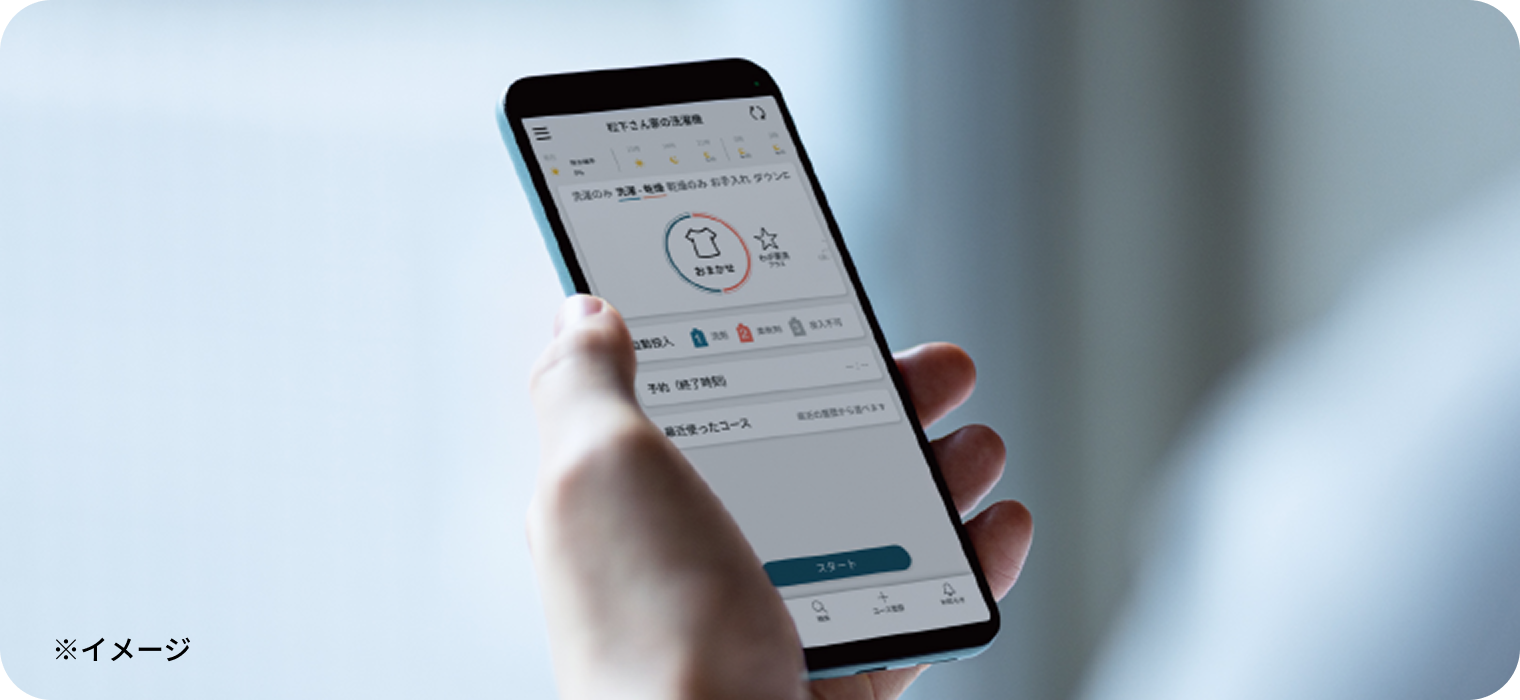
To solve this issue, we designed our Wash With Your Smartphone app for washing machines to be accessible.
Vision-impaired users who actually tried it out were very satisfied.


Gain insights from dialogue at conceptualization stage
Dr. Chieko Asakawa, the fully-blind director of Miraikan and an IBM Fellow, informed us that “LCD panel-based operations use few buttons, making them hard to use for the vision-impaired.”


Refining the solution method through repeated dialogue
We designed the app with accessibility in mind by working with vision-impaired people to sort out the requirements for each function, confirm their needs, and set priorities.
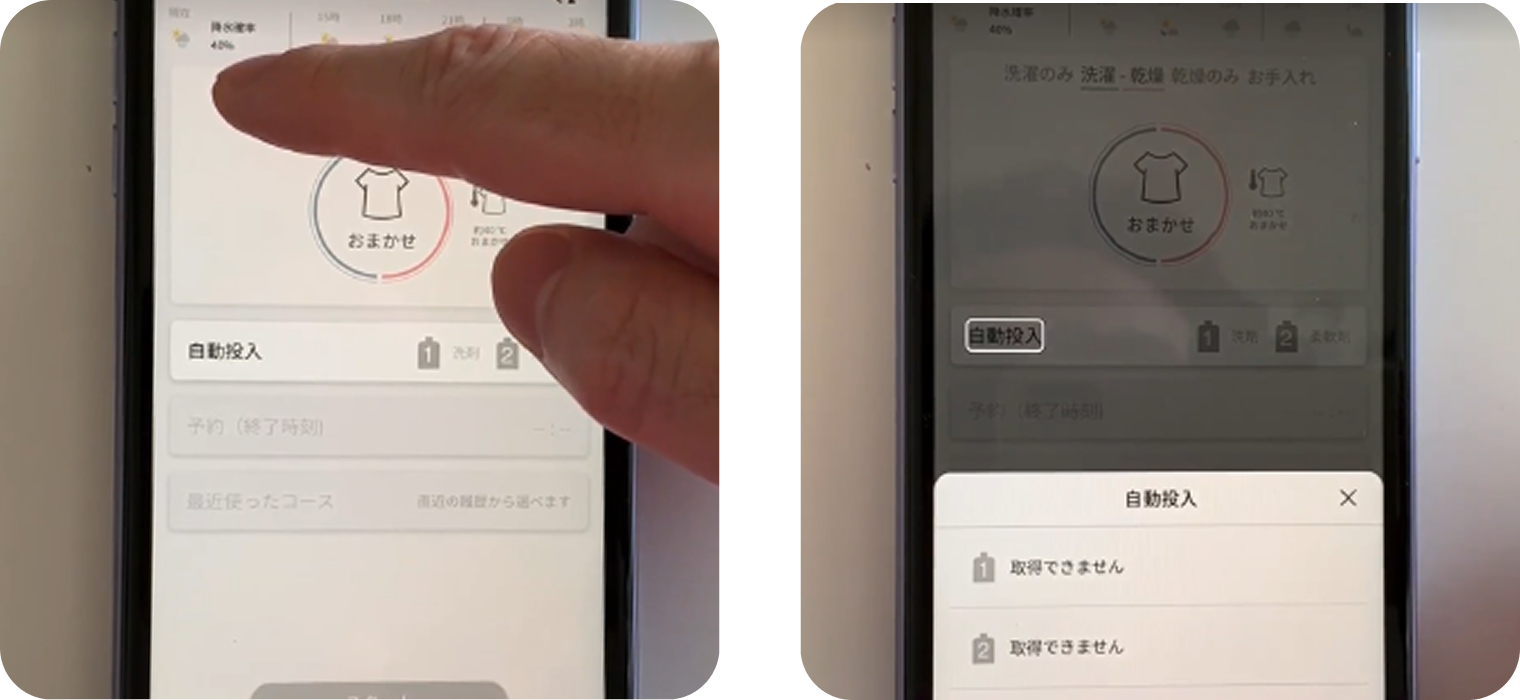
When these people tested the prototype, we realized that the screen had been laid with the assumption that users could see it.
For example, if frequently-used buttons are arranged along the bottom of the screen, this makes it inconvenient for vision-impaired people who search the screen from the top.
We made improvements to ease of use by speeding up the order in which the start buttons were read.


Verification to see if the problem has been solved
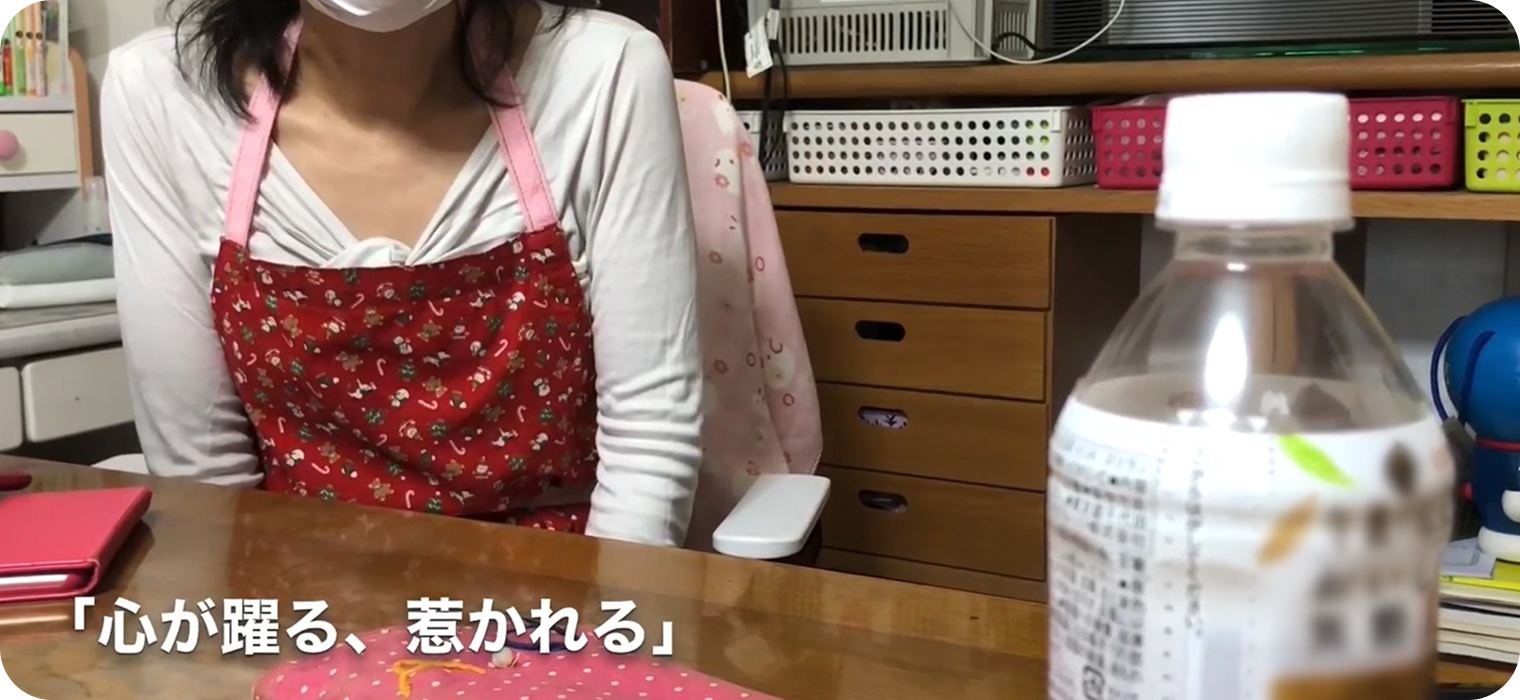
We asked Dr. Asakawa and the people a Dialogue Japan Society, which many vision-impaired people belong to, to check out the prototype. They were all very impressed, with some heartfelt comments such as “It’s so easy to use, it’s revolutionary!” “I’ve never experienced anything like this before--it’s really exciting and appealing!” and “Amazing! This is pretty close to 100%!”
Gain insights from dialogue at conceptualization stage
Dr. Chieko Asakawa, the fully-blind director of Miraikan and an IBM Fellow, informed us that “LCD panel-based operations use few buttons, making them hard to use for the vision-impaired.”
Refining the solution method through repeated dialogue
We designed the app with accessibility in mind by working with vision-impaired people to sort out the requirements for each function, confirm their needs, and set priorities.
When these people tested the prototype, we realized that the screen had been laid with the assumption that users could see it.
For example, if frequently-used buttons are arranged along the bottom of the screen, this makes it inconvenient for vision-impaired people who search the screen from the top.
We made improvements to ease of use by speeding up the order in which the start buttons were read.
Verification to see if the problem has been solved
We asked Dr. Asakawa and the people a Dialogue Japan Society, which many vision-impaired people belong to, to check out the prototype. They were all very impressed, with some heartfelt comments such as “It’s so easy to use, it’s revolutionary!” “I’ve never experienced anything like this before--it’s really exciting and appealing!” and “Amazing! This is pretty close to 100%!”
